RPC
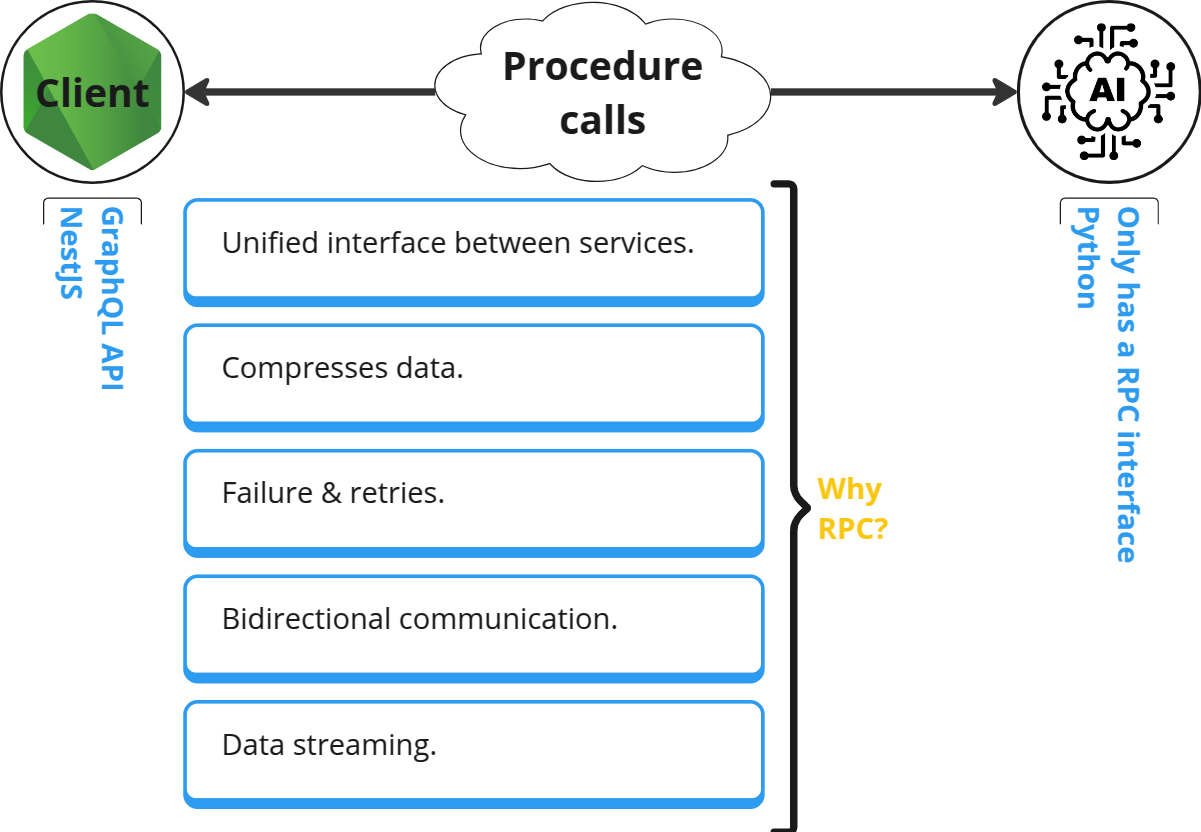
- It stands for Remote Procedure Call.
- A communication mechanism.
- It is almost the same as though we have access to the methods/function defined in another program.
- Can be used for inter-service communications.
- Supper efficient.
[!CAUTION]
This is still a network call. So do not call it like your codes who are living in the same codebase.
-
What the heck is stub?
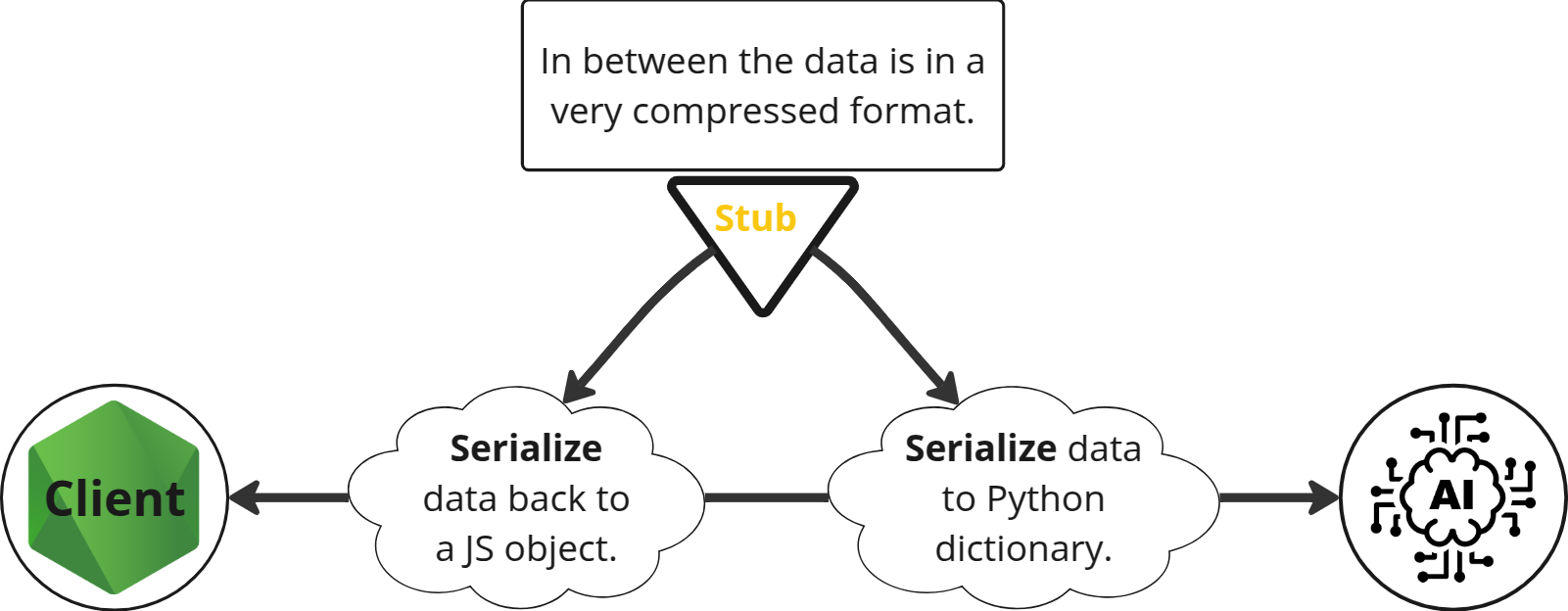
In gRPC we call them
protobuf. More on that here.
[!NOTE]
We can use any application level protocol for sending requests and receiving responses:
- TCP: HTTP1, HTTP2.
- UDP.
- Websockets.
- etc.
gRPC
- An open-source rewrite of RPC used by Google.
- Why gRPC?
- It uses only HTTP2 as its transport layer.
- Protocol buffer as our data exchange format.
- No browser support yet, but a good thing to have for inter-service communication in a microservice architecture.
NestJS
- Follow the official documentation opn how to bootstrap a NestJS app + gRPC.
pnpx create-nx-workspace grpc --preset=nest --appName nestjs-client --bundler esbuild --packageManager pnpm --nxCloud skip -
I also love perfectionist for a good reason and that is the tidiness it gives you for little conf, so I highly recommend you take a look at it in their official doc.
Or if you’re looking for something on how to get up to speed I guess this commit can be a real quick intro to how to use it. BTW I appreciate it if you give my repo a star in case it was helpful :slightly_smiling_face:.
nx run-many -t lint --fix - Write you’re protobuf file like what I did here at
user.proto. -
Use the
ts-prototo auto generate the interfaces and decorators for your gRPC controller.{ "scripts": { "grpc:gen": "npx protoc --plugin=./node_modules/.bin/protoc-gen-ts_proto --ts_proto_opt=fileSuffix=.interface --ts_proto_opt=nestJs=true --ts_proto_opt=addNestjsRestParameter=true --ts_proto_out={projectRoot}/src/assets/interfaces -I {projectRoot}/src/assets/ {projectRoot}/src/assets/*.proto" } }For the complete solution look at this.
-
Now just run the
npm run grpc:genor if you’re using Nx just runnx grpc:gen projectName. - Congrats, you have your types and decorators. So let’s put them into use.
[!TIP]
For a complete example look at the
nestjs-client.